Profiles and Extensions
FHIR profiles and extensions are one of the key components in a FHIR server implementation, allowing for the customization and refinement of standard FHIR resources to meet specific use cases and regulatory requirements. FHIR profiles enable organizations to define constraints and extensions on standard resources, ensuring that data conforms to particular business or clinical needs.
Extensions provide the flexibility to add new elements or modify existing ones without deviating from the core FHIR specification. Together, profiles and extensions facilitate the creation of a robust, adaptable FHIR server that can accommodate a wide range of healthcare scenarios while maintaining interoperability with other systems.
Ballerina FHIR packages are designed to effectively handle FHIR profiles and extensions. By leveraging the language features, developers can define profiled FHIR resources with precision, ensuring that custom constraints and extensions are accurately represented.
Step 1: Create the integration
Open WSO2 Integrator.
Select Create in the Create New Integration card.
Set Integration Name to
FHIRProfileExtension.Set Project Name to
fhir-profile-extension.Select Create Integration.
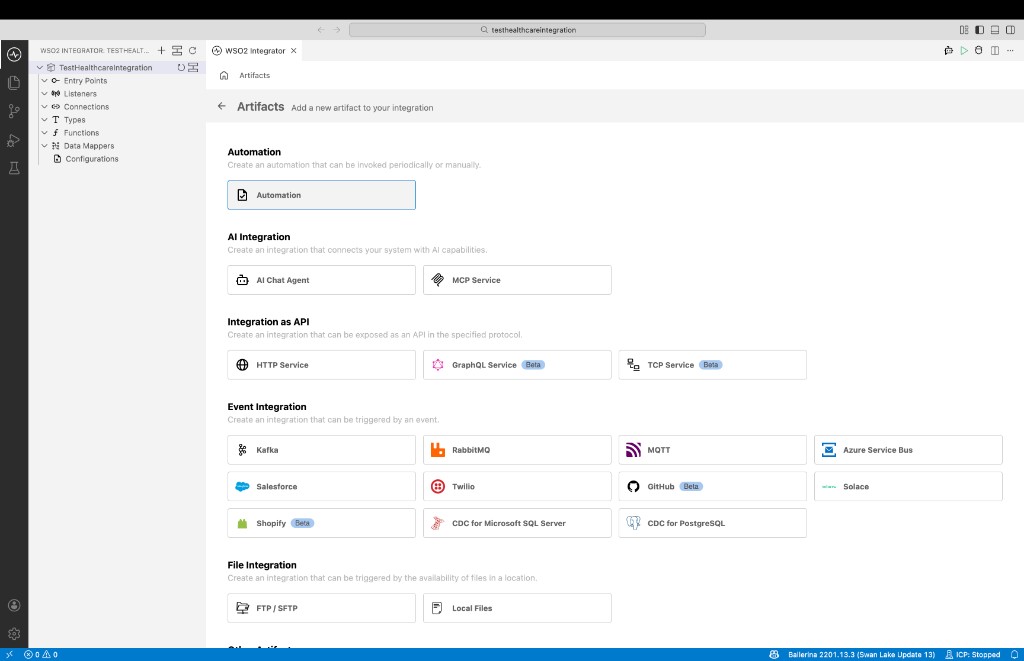
Select Add Artifact and select Automation.
Step 2: Implement the flow to populate a FHIR resource with an extension.
Import the required modules to the Ballerina program. In this sample, we are using the package for US Core FHIR IG and base FHIR package. Therefore, we need to import the
ballerinax/health.fhir.r4.uscore501andballerinax/health.fhir.r4packages.import ballerina/io;
import ballerinax/health.fhir.r4;
import ballerinax/health.fhir.r4.uscore501;Implement the logic to populate a FHIR resource with a profile and extension. In this sample, we are populating a US core FHIR Patient resource with known US core extension and a custom extension.
import ballerina/io;
import ballerinax/health.fhir.r4;
import ballerinax/health.fhir.r4.uscore501;
public function main() returns error? {
uscore501:USCorePatientProfile patient = {
resourceType: "Patient",
id: "pat1",
active: true,
identifier: [],
gender: "male",
name: []
};
uscore501:UsCoreBirthsex birthsex = {
valueCode: "M",
url: "http://hl7.org/fhir/us/core/StructureDefinition/us-core-birthsex"
};
// Initialize the extension array with the birthsex extension
patient.extension = [birthsex];
// Add a custom defined extension to the patient. You can use the dedicated extension type for your requirements
// (i.e: StringExtension, BooleanExtension).
r4:StringExtension customSSNExt = {
url: "http://hl7.org/fhir/us/core/StructureDefinition/us-core-ssn",
valueString: "111-222-1221"
};
(<r4:Extension[]>patient.extension).push(customSSNExt);
io:println(patient);
}
Step 3: Run and test
Select Run.
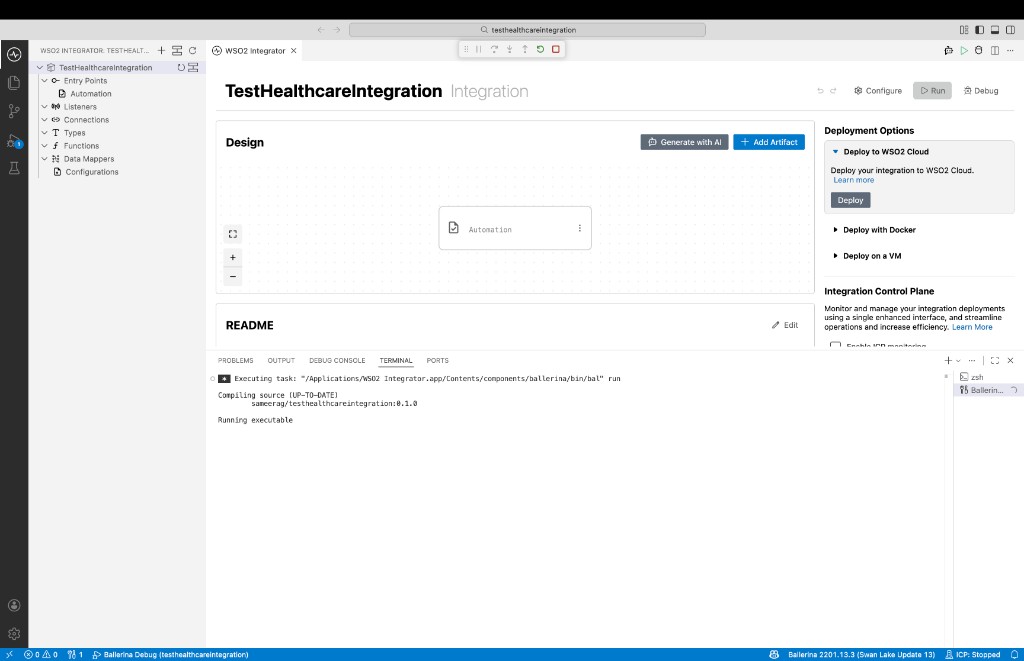
Check the terminal output to confirm the expected result.
The Ballerina CLI is designed to accommodate domain-specific tools, one of which is the Ballerina Health tool. This specialized tool enables the generation of a Ballerina FHIR package, which includes Ballerina record representations of FHIR resources and project templates tailored for any custom set of FHIR structure definitions. These definitions can encompass FHIR profiles, extended FHIR resources, and more. The generated Ballerina FHIR packages can be pushed to Ballerina Central and then imported into your Ballerina project, providing access to the FHIR resources and extensions defined in the package.