Validation
FHIR validation involves checking FHIR resources against defined profiles, extensions, and structure definitions to ensure that the data is accurate, consistent, and compliant with the expected formats and standards. It is a crucial process in ensuring that healthcare data adheres to the FHIR standard's rules and constraints. FHIR validation helps to identify errors, enforce data integrity, and maintain interoperability across different healthcare systems.
The FHIR validator package provides the following capabilities:
- Resource Parsing -- Parses serialized FHIR resources (usually JSON format).
- Schema/Structure Validation -- Checks whether the resource adheres to the syntactic rules and structure defined by the FHIR specification.
- Profile Validation -- Ensures that the resource conforms to associated profiles that define specific rules and constraints.
- Value Domain Validation -- Examines values within the resource to ensure they are within acceptable ranges, formats, and constraints (e.g., valid code values for patient gender).
- Constraint Validation -- Checks element cardinalities and constraints such as regex patterns.
- Error Reporting -- Generates detailed error reports highlighting issues in the resource.
Step 1: Create the integration
Open WSO2 Integrator.
Select Create in the Create New Integration card.
Set Integration Name to
FHIRValidation.Set Project Name to
fhir-validation.Select Create Integration.
Select Add Artifact and select Automation.
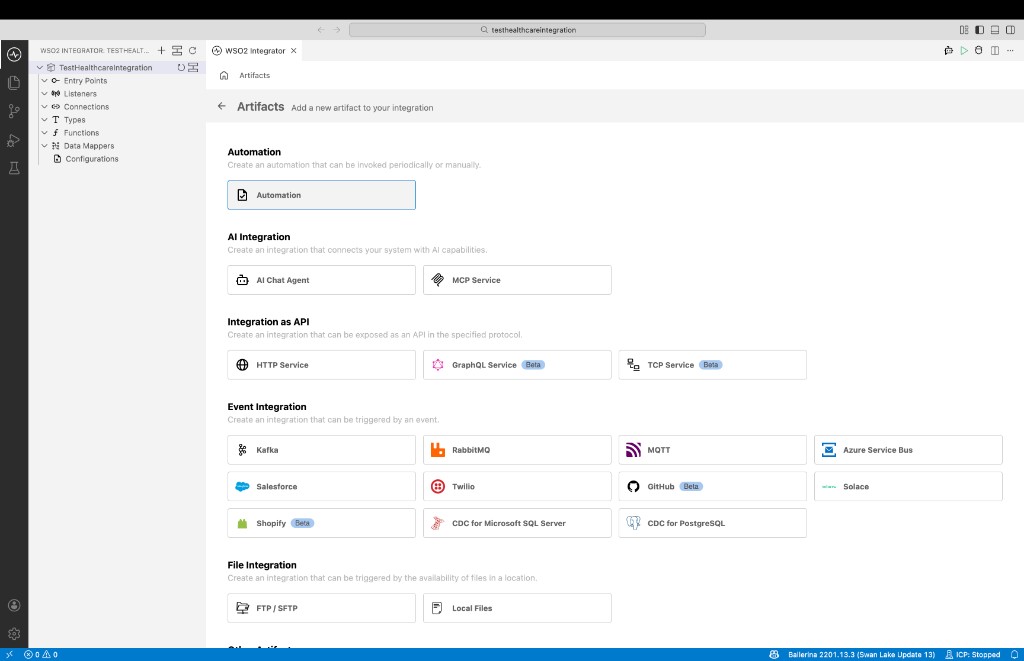
Step 2: Implement FHIR Resource Validation
Import the required modules to the Ballerina program.
import ballerina/io;
import ballerinax/health.fhir.r4;
import ballerinax/health.fhir.r4.validator;
Implement validation logic. The following example validates a FHIR Patient resource with an invalid birth date against the base FHIR resource model. The validator automatically determines the resource type from the payload and validates against its base profile.
import ballerina/io;
import ballerinax/health.fhir.r4;
import ballerinax/health.fhir.r4.validator;

public function main() returns error? {

    json body = {
      "resourceType": "Patient",
      "id": "591841",
      "meta": {
        "versionId": "1",
        "lastUpdated": "2020-01-22T05:30:13.137+00:00",
        "source": "#KO38Q3spgrJoP5fa"
      },
      "identifier": [ {
        "type": {
          "coding": [ {
            "system": "http://hl7.org/fhir/v2/0203",
            "code": "MR"
          } ]
        },
        "value": "18e5fd39-7444-4b30-91d4-57226deb2c78"
      } ],
      "name": [ {
        "family": "Cushing",
        "given": [ "Caleb" ]
      } ],
      "birthDate": "jdlksjldjl"
    };

    r4:FHIRValidationError? validateFHIRResourceJson = validator:validate(body);

    if validateFHIRResourceJson is r4:FHIRValidationError {
        io:print(validateFHIRResourceJson);
    }
}
The
validatefunction returnsFHIRValidationErrorwhen validation fails.To validate against a specific FHIR profile resource model, pass the profile type as the second argument. See Profile Validation for details.
import ballerinax/health.fhir.r4.international401;

r4:FHIRValidationError? result = validator:validate(body, international401:Patient);
Step 3: Run and test
Select Run.
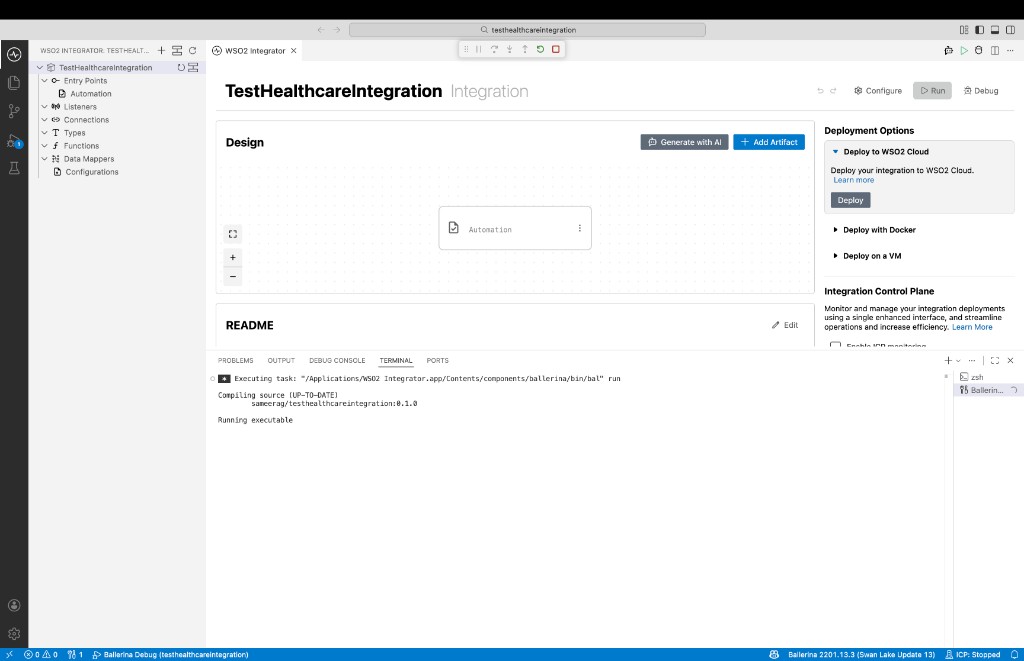
Check the terminal output to confirm the expected result.
Terminology Validation
The validator also supports terminology validation, which checks that coded elements use values from the correct code systems and value sets. This requires configuring a terminology service endpoint. See Terminology Validation for setup instructions and details.