Building FHIR Bundles
FHIR Bundles are used to bundle multiple resources into a single request. This guide explains how to build FHIR Bundles in WSO2 Open Healthcare. The WSO2 Open Healthcare provides a set of built-in capabilities to construct FHIR Bundles.
The following example demonstrates how to build a FHIR Bundle using Ballerina.
Step 1: Create the integration
Open WSO2 Integrator.
Select Create in the Create New Integration card.
Set Integration Name to
FHIRBundleSample.Set Project Name to
fhir-bundle-sample.Select Create Integration.
Select Add Artifact and select Automation.
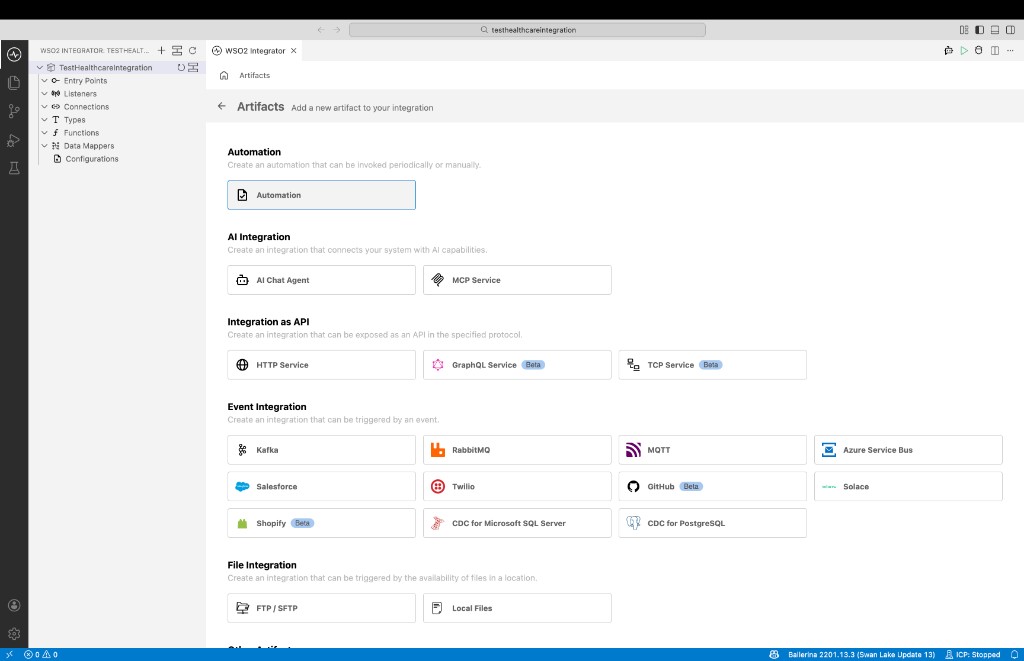
Step 2: Implement the logic to build the FHIR Bundle
Import the required modules to the Ballerina program. In this sample, we are using the FHIR R4 module to build the FHIR Bundle. Therefore, we need to import the
ballerinax/health.fhir.r4package.import ballerinax/health.fhir.r4.international401;
import ballerinax/health.fhir.r4;
import ballerina/io;Implement the logic to initialize FHIR bundle and add FHIR resources to the bundle. In this sample, we are building a FHIR Bundle with a Patient and Observation resources.
import ballerinax/health.fhir.r4.international401;
import ballerinax/health.fhir.r4;
import ballerina/io;
public function main2() returns error? {
// Initialize a bundle with desired type
r4:Bundle bundle = { resourceType: "Bundle", 'type: "searchset"};
r4:BundleEntry[] entries = [];
// Sample patient data
international401:Patient patient = { resourceType: "Patient", id: "pat1", active: true };
entries.push({ 'resource: patient });
// Sample observation data
international401:Observation observation = { resourceType: "Observation", id: "obx1", status: "final" ,code: { coding: [{ system: "http://loinc.org", code: "8480-6", display: "Systolic blood pressure"}]}};
entries.push({ 'resource: observation });
// Add the entries to the bundle
bundle.entry = entries;
io:println(bundle.toString());
}
Step 3: Run and test
Select Run.
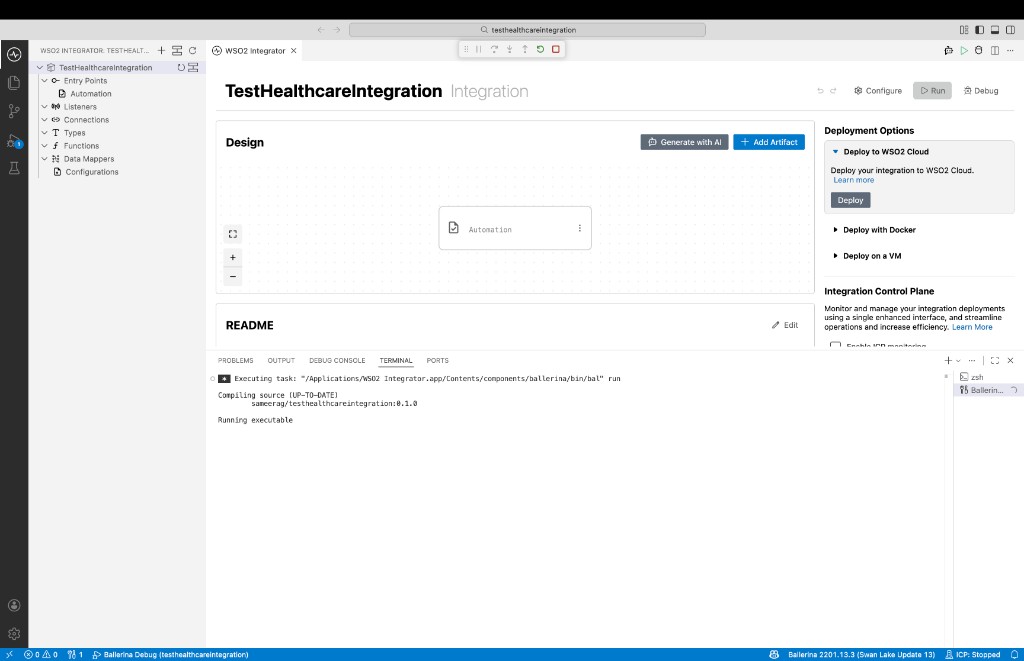
Check the terminal output to confirm the expected result.