Deploy FHIR APIs
This guide walks through the steps to generate an OpenAPI specification from a FHIR Implementation Guide using the Ballerina Health Tool, and then deploy it as a managed API in WSO2 API Manager using the FHIR Repository as the backend.
Prerequisites
- Install and setup WSO2 Open Healthcare.
- Install Ballerina (Swan Lake or later).
- A FHIR Implementation Guide (IG) to generate the API.
Step 1 - Generate OpenAPI Specification from a FHIR Implementation Guide
The Ballerina Health Tool can generate an OpenAPI specification and a Ballerina project template directly from a FHIR Implementation Guide.
Pull the Ballerina Health Tool:
bal tool pull healthRun the FHIR template generation command, pointing to your Implementation Guide package:
bal health gen fhir -m template --org-name [ORG_NAME] [IG_PACKAGE_NAME]Replace the placeholders with:
[ORG_NAME]: Your Ballerina organization name (e.g.,healthcare)[IG_PACKAGE_NAME]: The Ballerina package name of the FHIR IG (e.g.,ballerinax/health.fhir.r4.uscore501)
Example:
bal health gen fhir -m template --org-name healthcare ballerinax/health.fhir.r4.uscore501The tool generates a Ballerina project with:
- An OpenAPI specification (OAS) file for each FHIR resource in the IG.
- A Ballerina service template with boilerplate FHIR resource handlers.
Locate the generated OAS file(s) in the output directory. These will be used to create the API in WSO2 API Manager.
For standard FHIR R4 APIs without a custom IG, you can skip this step and directly download a pre-built OAS file from the FHIR API Definitions page.
Step 2 - Create and Deploy the API in WSO2 API Manager
Log in to the WSO2 APIM Publisher Portal at
https://localhost:9443/publisher.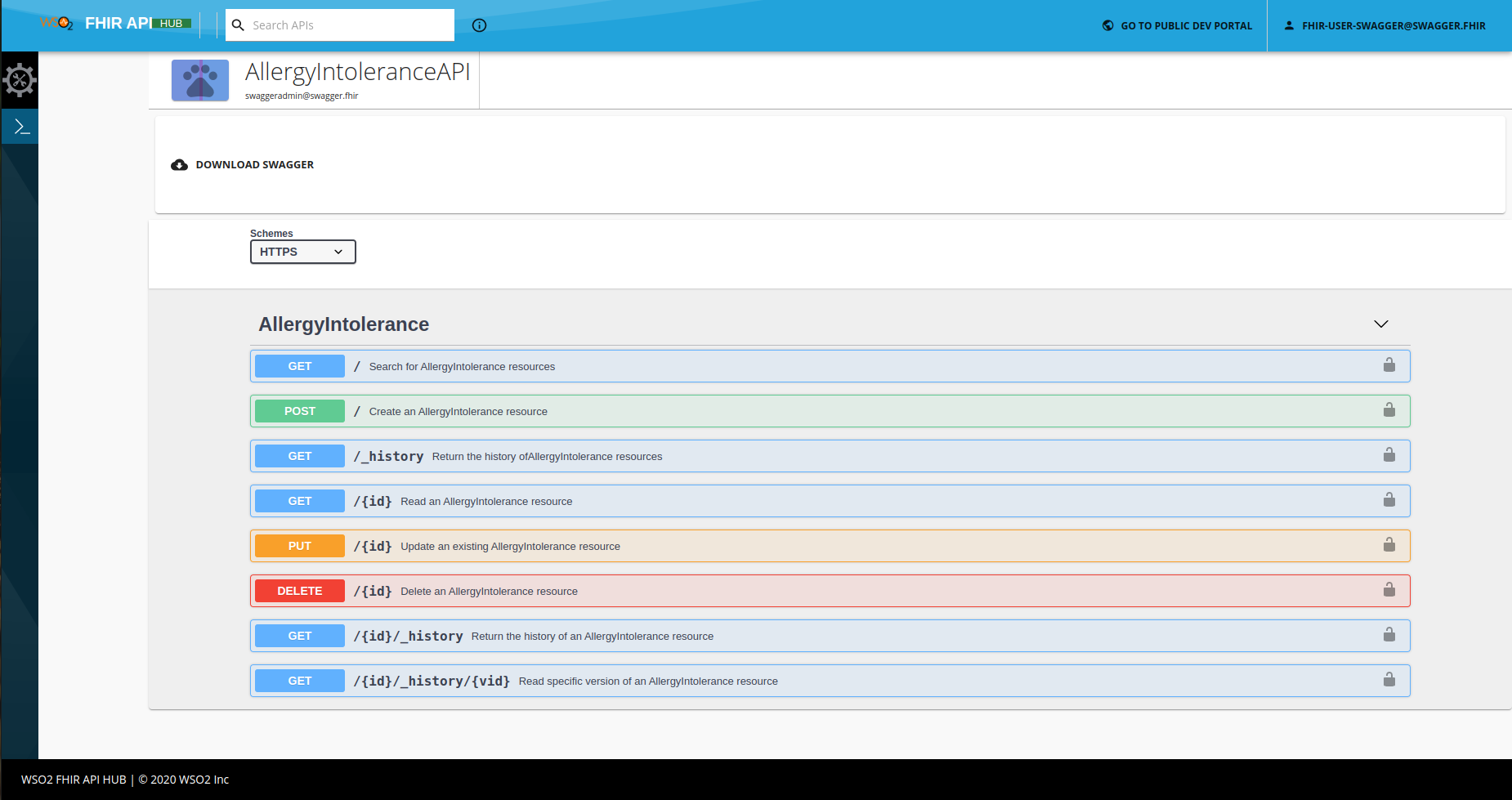
Click Create API and select Import Open API.
Upload the OAS file generated in Step 1 and click Next.
Fill in the API details:
- Name: e.g.,
USCorePatientAPI - Context: e.g.,
/fhir/r4 - Version: e.g.,
1.0.0 - Endpoint URL: The URL of the running Ballerina FHIR service (e.g.,
http://localhost:9090/r4)
- Name: e.g.,
Click Create to create the API.
In the API overview, go to Deployments and click Deploy:
- Select the target Gateway (e.g., Default).
- Click Deploy.
Go to Lifecycle and click Publish to make the API available in the Developer Portal.
Ensure the WSO2 APIM gateway can reach the Ballerina FHIR service endpoint. If running locally, use host.docker.internal instead of localhost when APIM runs in Docker.
Step 3 - Verify the Deployment
Navigate to the Developer Portal at
https://localhost:9443/devportal.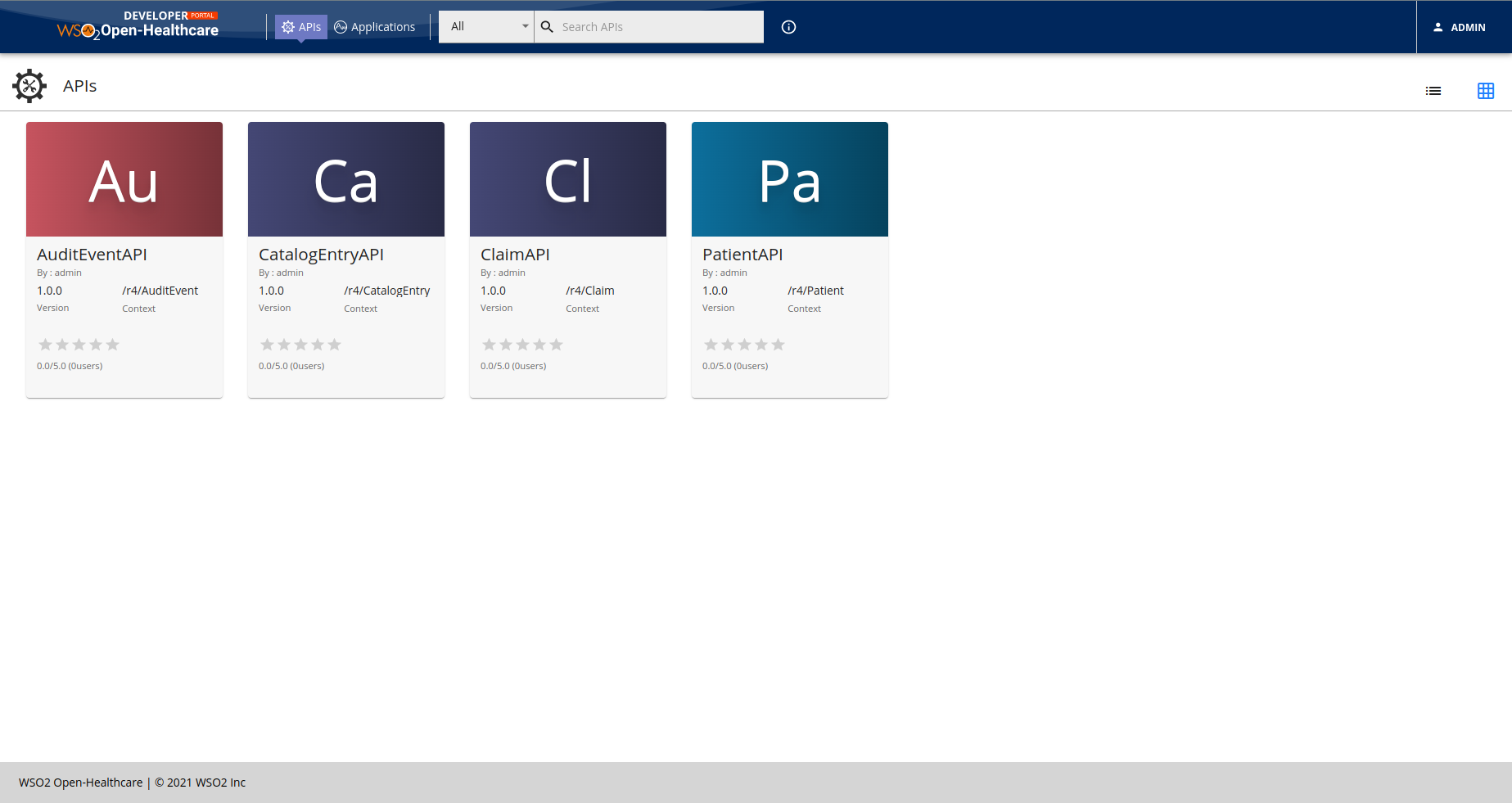
Find the published FHIR API and confirm it appears in the portal.
Invoke the well-known endpoint to verify the FHIR gateway is responding:
curl https://localhost:8243/r4/.well-known/smart-configurationTest a FHIR resource endpoint:
curl https://localhost:8243/r4/metadataA valid FHIR CapabilityStatement response confirms the API is deployed and the FHIR backend is reachable.